 Coming soon
 Coming soon
 Coming soon
 Coming soon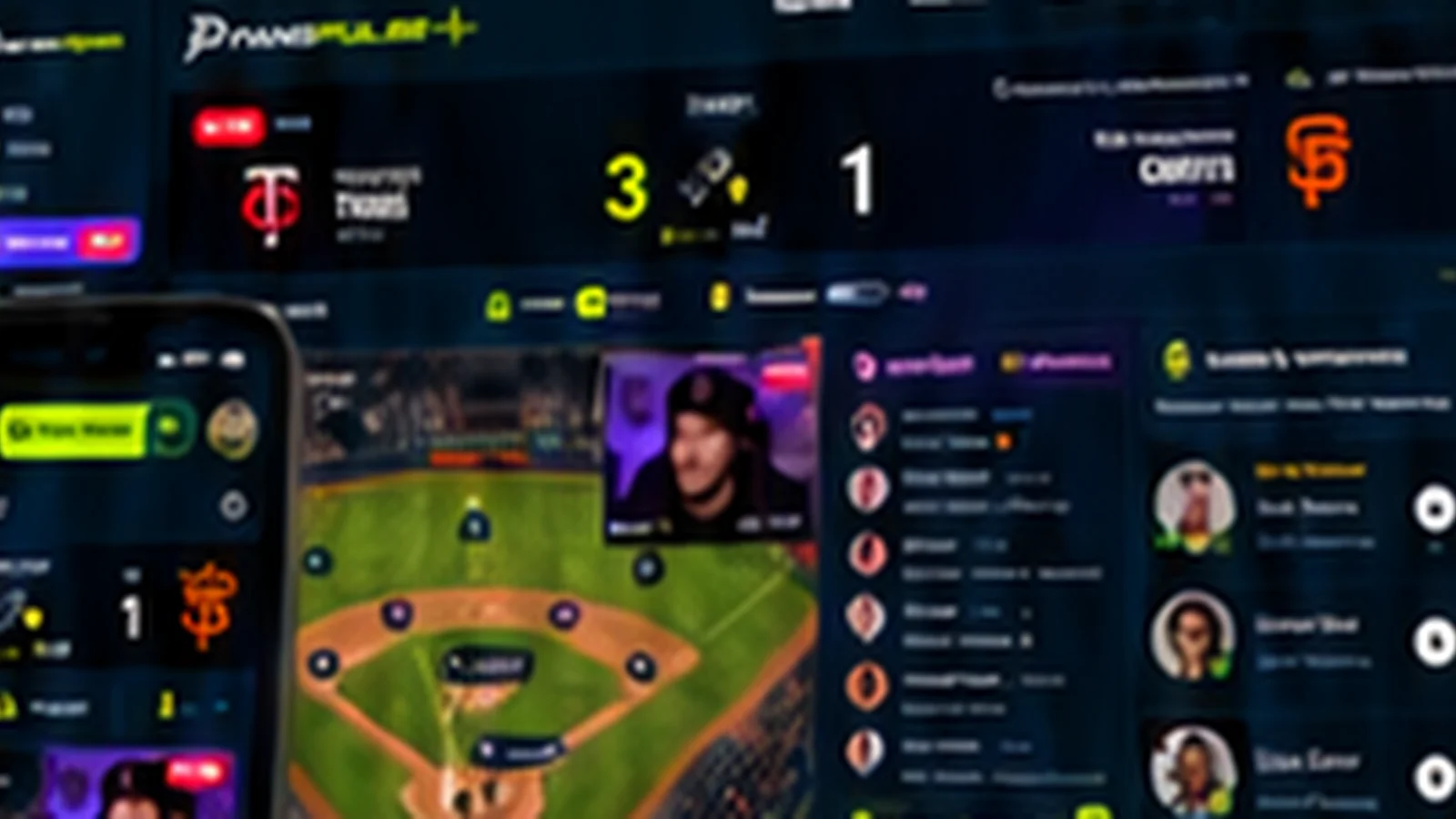
Phone
Follow the score, listen to a creator on audio while you drive or work out, and chat with your crew from anywhere. Get a notification when a creator you follow goes live.
Get the app
FansPulse runs on iPhone, iPad, Android, Roku, and Amazon Fire TV, and in any web browser. Start a game on your phone, move the chat to the TV, and keep your teams, creators, and rooms on every device.

Which devices does FansPulse work on? FansPulse works on iPhone and iPad, Android phones and tablets, Roku, and Amazon Fire TV. You can also use it in any modern web browser at app.fanspulse.io, with nothing to install.
Follow the score, listen to a creator on audio while you drive or work out, and chat with your crew from anywhere. Get a notification when a creator you follow goes live.
Keep the game room open on the coffee table: creator video, the chat, and the live score side by side on a bigger screen while the broadcast plays on the TV.
Put the watch party on the biggest screen in the house. The room on your TV shows the same game, creators, and chat as your phone, so everyone on the couch can follow along.
How do I set up FansPulse? Download the app, create a free account, follow your teams, and open tonight's game. On a TV, open FansPulse and sign in with the steps shown on screen. Setup takes a couple of minutes.
Get the app from the App Store, Google Play, the Roku Channel Store, or the Amazon Appstore. Or open app.fanspulse.io in your browser.
Sign up with your email or a social account. You don't need a credit card to create an account.
Pick the sports, teams, and creators you care about. Their next games show up at the top of your screen.
Join a room on your phone, then open FansPulse on your TV and sign in to see the same room on the big screen.
Yes. The app is free to download, and the free plan lets you follow games, join rooms, and chat. Optional paid tiers add extras such as HD streams and deeper stats.
No. Everything works in a web browser at app.fanspulse.io. The apps add notifications, a faster home screen, and the TV experience.
Yes. Sign in with the same account on your phone, tablet, TV, and browser, and your teams, followed creators, groups, and rooms come with you.
No. You watch the game on its official channel or streaming service. FansPulse streams the creator commentary, watch parties, and chat around the game.
Download FansPulse and bring game night to every screen.
Join the crowd